
UPDATE: although the market place is not working yet, but its presence in the ROMs gives us an assurance that it will be available and working in the final release
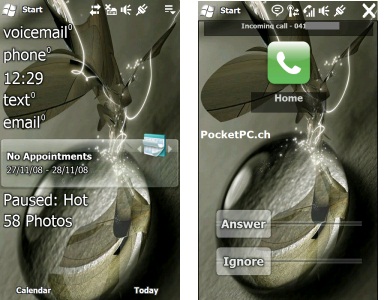
Here are some fresh screenshots of the leaked ROM taken from HTC TOUCH HD. I’ve given explanation for the screenshots wherever it was required:
First is the rumored sliding panel interface. Also, notice how nicely the wallpaper blends with the start menu. Next is the lock screen.
Honeycomb interface is working on HTC TOUCH HD. Here are couple of screenshots. You can customize the positions of the hexagonal boxes.
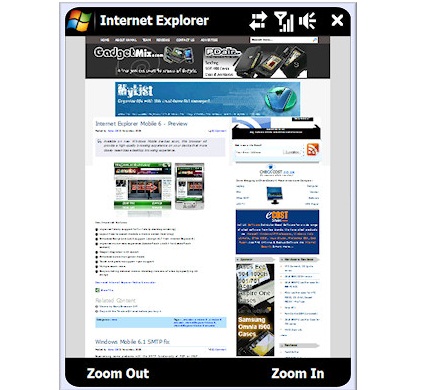
Also, the first screenshot shows the soon-going-to-launched Marketplace by Microsoft. It is rumored to be launched at MWC, 2009.
Incoming Call interface has been a huge facelift. It now shows two sliders: one to answer the call and other to reject the call. Also, the menus are a lot more finger-friendly. That will let you to use your device without taking the stylus out of its silo.
As we dig more into this, we will be updating this article on gadgetmix in upcoming hours with even more screenshots.
The best news according to me is the CONFIRMATION of market place in those screenshots. Only Microsoft has the funds and the resources to make the application store for Windows Mobile successful. We hope that it is real and it is not a simple link to the Mobile Application store.