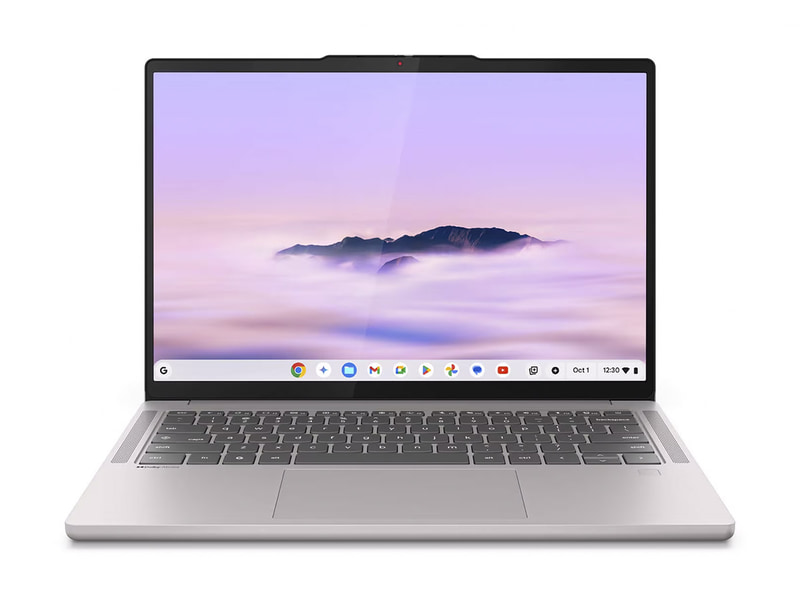
Lenovo U400 – Review
The Lenovo U400 looks just like a scaled-up version of Lenovo U300s ultrabook. The U400 squeezes in an optical drive, adding significantly to its dimensions and weight, but at 4.37 pounds and 0.9 inches thick, it’s still pretty portable – one of the lightest 14-inchers around.
Design-wise it’s a clone of the U400s -a graphite gray sandblasted, anodized aluminum unibody, with that spun metal finish all over too, and a blocky design shape instead of the wedge profile seen on ultrabooks. The book-like theme of the U300s continues with the Lenovo U400 – the top and bottom chassis edges overlap the inner keyboard and screen bezels like the cover of a book.
The 13.6-inch 1366 x 768 pixel glossy display and brightness, contrast and viewing angles are all average at best.
The U400 features WirelessDisplay technology for streaming the display’s contents (including 1080p video) to another monitor or TV.
Twin single-watt speakers deliver acceptable laptop-standard audio, with slightly weak bass but none-too-excessively tinny high notes. That U300s was a bit lacklustre audio-wise too.
There are a total of three USB ports, one of which is USB-3, an Ethernet jack (lacking on several ultraportables), HDMI socket, a headphone jack and a 1.3MP webcam. Lack of an SDcard slot is a shame – for anyone who takes a lot of photos, that’ll be a deal breaker.
The U400 keyboard seems not to have been scaled up with the rest of the notebook despite the larger shell, and just as on the U300s the chiclet keyboard doesn’t run the full extent of the keyboard panel, so the keys are smaller than necessary. Spring is acceptable, but travel is a bit long for each key press. And it’s not backlit, which isn’t surprising since neither was the keyboard on the U300s.
The touchpad is from a different supplier to the excellent one on the U300s, and boy does it show. The Cypress clickable trackpad occasionally confuses left and right clicks and two-fingered scrolling is laborious, requiring significant pressure and concentration. Pinch-to-zoom? Forget it. Choppy, imprecise, infuriating. A load of complicated touch gestures have been carried over from the U300s, without first getting the basics right.
Now for the spec – a 2.4GHz i5-2430M processor with a solid 6GB RAM and 750GB hard drive, as well as an AMD Radeon HD670M dedicated graphics card. A jolly impressive set of components, putting the U400 in the same performance bracket as the Dell XPS 14z with its i7 CPU, not far off the entry-level $1250 Samsung Series 9.
100MB/s data transfer is decent for the price point, and multitasking – simultaneously Skyping, surfing and streaming – won’t be a problem, nor will any office suites you care to run.
Video-looping battery tests gave 4 hrs 18 minutes of service, which is decent enough. The Lenovo U400 starts at $798 with a 2.2GHz i3 CPU, 4GB RAM and 500GB HDD. The top model features a 2.7GHz i7-2620M but the one option worth checking out is the 64GB SSD version. The 5400rpm is the biggest let-down, and for our money $900 is too much to pay for a machine without a 7200rpm drive. Promotional Lenovo price for review unit $1039. Here is a nice diagram of performance comparison PCMark Vantage and 3DMark06 courtesy of engadget. U400 is compared to its piers. The higher the number the better. We see that Asus UX31 score much better on PCMark, so does U300s, MacBook Air and Dell XPS 14z. Acer Aspire S3 does pretty poorly.
No related posts.
Sign up to the Gadgetmix Newsletter (free) for news and reviews mailed directly to your mailbox CLICK HERE


[...] Lenovo U400 looks being a scaled-up version associated with Lenovo U300s ultrabook. The U400 squeezes within [...]